





As an Amazon Associate I earn from qualifying purchases.
Quick answer: our top pick is Crucial P310 1 TB (M.2 2280) (M.2 2280 · PCIe 4.0 · no heatsink · up to 7,100 MB/s).
Best SSD for Steam Machine? Pick an M.2 NVMe PCIe 4.0 drive without a heatsink, 1 TB or 2 TB
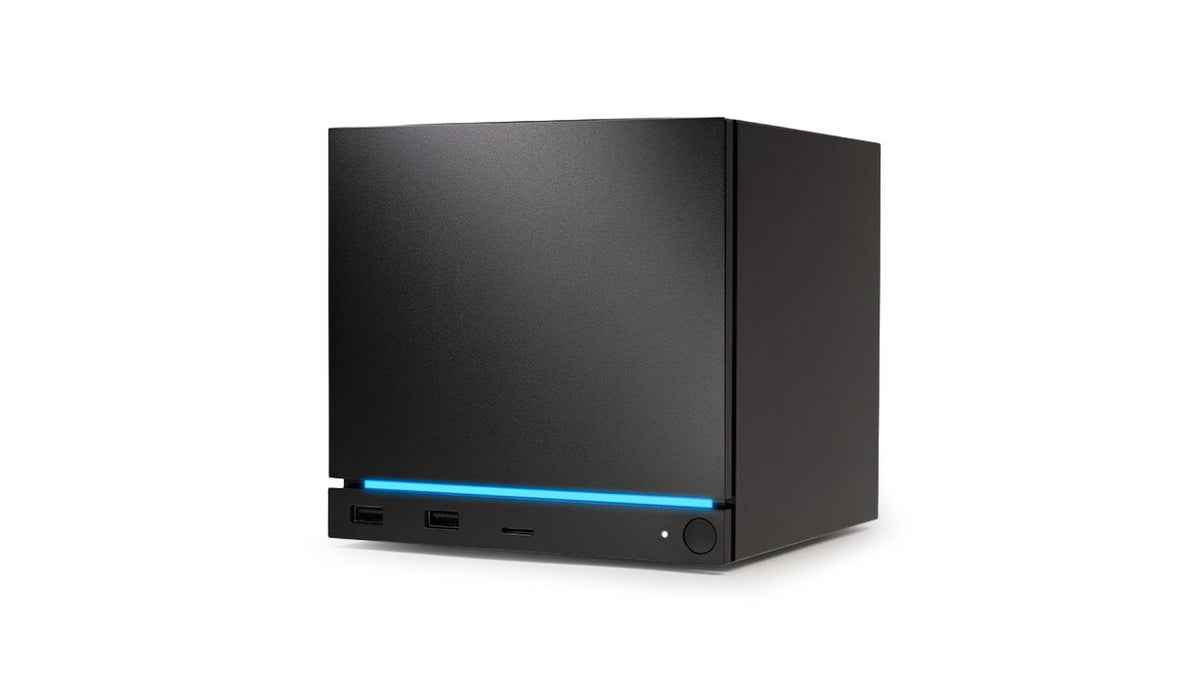
Steam Machine has one M.2 NVMe slot that accepts drives in the 2230 and 2280 formats. The most sensible choice is a PCIe 4.0 drive without a heatsink, in a capacity of 1 TB or 2 TB.
There is only one slot, so a new drive replaces the factory one rather than being added to it. Valve sells Steam Machine in 512 GB and 2 TB NVMe SSD versions, and it also has a microSD slot. If you have the 512 GB version, 1 TB is a clear step up, and 2 TB puts you on par with the more expensive model.
Why PCIe 4.0 without a heatsink specifically? Valve does not publish several important details, as we explain below. With gaps like these, it is better to choose a drive that does not push the limits of the slot.


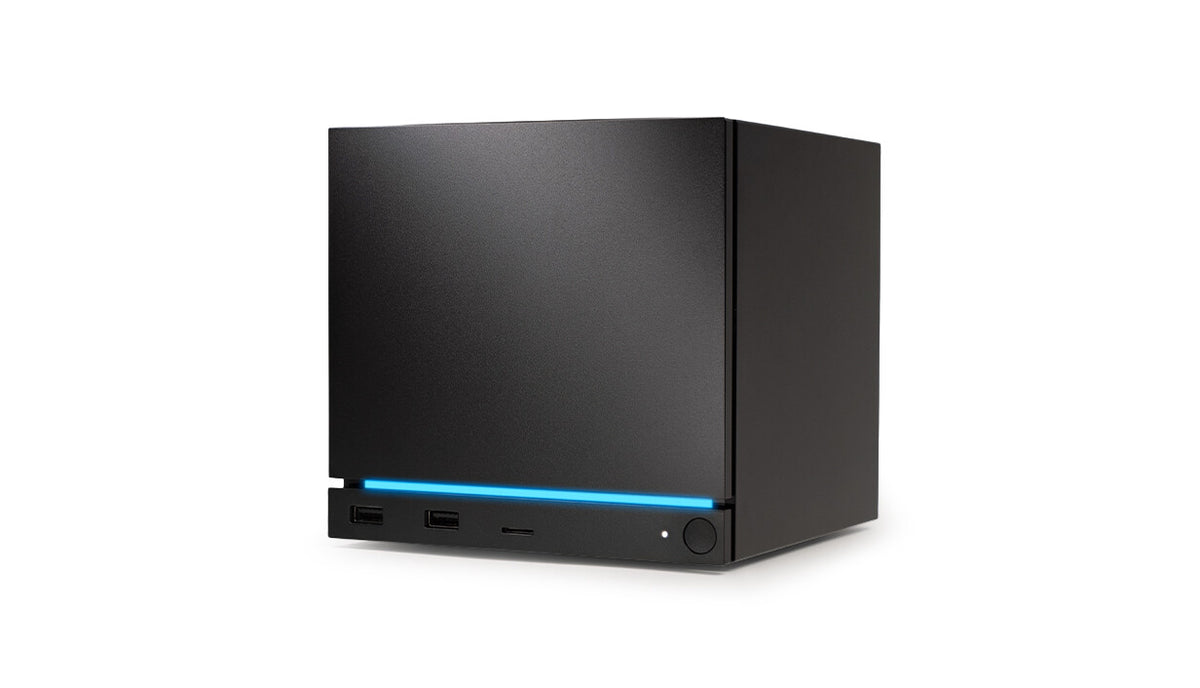
Photo: Valve
2230 or 2280: what changes with the standoff in the slot
The 2230 format matches the factory one, so you insert the drive and leave the standoff alone. With a 2280 drive you need to move the standoff, which is the mounting screw, to the other end of the slot. It is removed with a 5 mm socket.
It is the same with the factory Kingston 512 GB in the 2230 format: to install a 2280, you move the standoff to the other end.
The difference is mainly about choice. The 2280 format usually offers a wider choice of models, while 2230 can be more expensive per gigabyte, but installation is simpler. If you do not like fiddling inside the device, 2230 saves you one step. If the range of offers matters to you, go for 2280.
Fun fact: the factory 512 GB drive is the short 2230 format, even though there is room inside for 2280 as well.

What Valve does not disclose and what follows from it
Valve does not publish the PCIe generation of the slot, the power limit, or the height of the space above the drive. No one has published a compatibility list either, so we will not promise that a specific drive will work.
The missing height is the reason we advise against drives with a heatsink. It is not known what will fit above the drive, so the safest option is a bare version with just a sticker.
The missing power limit has an illustration. The author of a report on the Spawning Point site described how a Sabrent Rocket 5 PCIe 5.0 drive kept disappearing from the bus during the SteamOS installation. It worked stably only after the power was limited to 6 W. The author estimates the slot limit at 6-8 W.
Keep in mind that this is one person's account, not Valve data. Still, it shows why a fast PCIe 5.0 drive can cause trouble, while a PCIe 4.0 drive is a calmer choice.
Below we have collected drives in the 2230 and 2280 formats, in capacities of 1 TB and 2 TB. We chose them according to these rules: NVMe, PCIe 4.0, no heatsink, and with 2280 drives, attention to the standoff.

Recommended SSDs for Steam Machine
1. Crucial P310 1 TB (M.2 2280)
M.2 2280 · PCIe 4.0 · no heatsink · up to 7,100 MB/s
A longer 2280 drive, so you move the standoff in the slot first. No heatsink, PCIe 4.0, and near the top of this category's sales on Amazon.
2. Samsung 990 PRO 1 TB (M.2 2280)
M.2 2280 · PCIe 4.0 · no heatsink · up to 7,450 MB/s
One of the best-selling NVMe drives. This is the version without a heatsink. We do not recommend the heatsink one, because nobody publishes the clearance of the slot.
3. Kingston NV3 1 TB (M.2 2280)
M.2 2280 · PCIe 4.0 · no heatsink · up to 6,000 MB/s
Slower on paper than the first two, but still fast for a living-room console. It sells well in both sizes, and this is the 2280 version.

4. Lexar EQ790 2 TB (M.2 2280)
2 TB · M.2 2280 · PCIe 4.0 · no heatsink
For someone who bought the 512 GB version and wants 2 TB straight away, the same as the pricier Steam Machine. No heatsink, reads up to 7,000 MB/s according to Lexar.
5. Crucial P310 2 TB (M.2 2280)
2 TB · M.2 2280 · PCIe 4.0 · no heatsink
The same model as the 1 TB version, with the capacity of the pricier Steam Machine. A good pick if your library already outgrows 1 TB.

6. WD_BLACK SN770M 1 TB (M.2 2230)
M.2 2230 · PCIe 4.0 · no standoff move
The short 2230 format, the same as the stock drive, so the standoff stays where it is. Usually more per gigabyte than 2280, but the swap is simpler.
Drive replacement step by step in brief
PCGH says that replacing the SSD takes ten steps. Here are only the most important points, and you can find the full description in the official iFixit guide.
- Before you start, remove the microSD card, because it may crack.
- The drive is held by a Torx T8 screw. Unscrew it.
- Slide the drive out at a slight angle.
- If you are installing a 2280 drive, move the standoff to the other end using a 5 mm socket.
- Insert the new drive and fasten it with the T8 screw.
After the replacement, you need to reinstall SteamOS from scratch or move the system to the new drive. If your game library matters to you, plan this before opening the case.
Fun fact: Valve and iFixit have published 18 official repair guides for the Steam Machine.
When it is simpler to buy a microSD card
A microSD card is the simpler route, because you do not need to open the case. You put the card in the slot and you have extra space for games.
It works well when you are running out of space but do not want to touch the internals or reinstall the system. If you are planning a bigger change, a drive in the M.2 slot will be the better choice.
Frequently asked questions about the Steam Machine drive
Does the Steam Machine have two M.2 slots?
No, there is only one M.2 NVMe slot. A larger drive therefore replaces the factory one rather than being added alongside it. If you want more space without replacing the drive, a microSD card is the option left.
Will an M.2 2280 drive fit in the Steam Machine?
Yes, the slot is compatible with the 2230 and 2280 formats. For 2280, you need to move the standoff to the other end by unscrewing it with a 5 mm socket. The factory 512 GB drive is in the 2230 format.
Does a drive with a heatsink fit in the Steam Machine?
It is not known. Valve does not specify the height of the space above the drive, so we do not recommend drives with a heatsink. It is safer to choose a version without one.
Do you need to reinstall SteamOS after replacing the drive?
Yes, or move the system to the new drive. This is how PCGH describes it. Plan this before the replacement, especially if you want to keep your games.
Does a PCIe 5.0 drive make sense in the Steam Machine?
Probably not. Valve does not specify the PCIe generation or the power limit, and in the Spawning Point report, a PCIe 5.0 drive disappeared from the bus during the SteamOS installation. It only worked stably after the power was limited to 6 W. This is one person's experience, but it is better to choose PCIe 4.0.
More Steam Machine storage guides
See also
- Best SSD for Lenovo Legion Go 2 - 2242 or 2280 and the 2 TB limit
- Best SSD for ROG Xbox Ally and Ally X - M.2 2280, capacity and the thermal cover
Sources
- Valve: Steam Machine - manufacturer page (store.steampowered.com)
- iFixit: Steam Machine (2026) SSD replacement - industry article (ifixit.com)
- Engadget: Steam Machine storage and pricing - industry article (engadget.com)
- Spawning Point: Steam Machine SSD upgrade - industry article (spawningpoint.com)
- PC Games Hardware: Valve and iFixit repair guides - industry article (pcgameshardware.de)


Leave a comment
This site is protected by hCaptcha and the hCaptcha Privacy Policy and Terms of Service apply.