









Filter
3 products
Which USB cables to choose? Here's our guide!
USB cables are essential accessories for data transfer, device charging, and video transmission. Modern USB cables support various transfer standards, making them versatile solutions for smartphone, laptop, tablet, and other electronic device users.
USB Standards and Their Applications
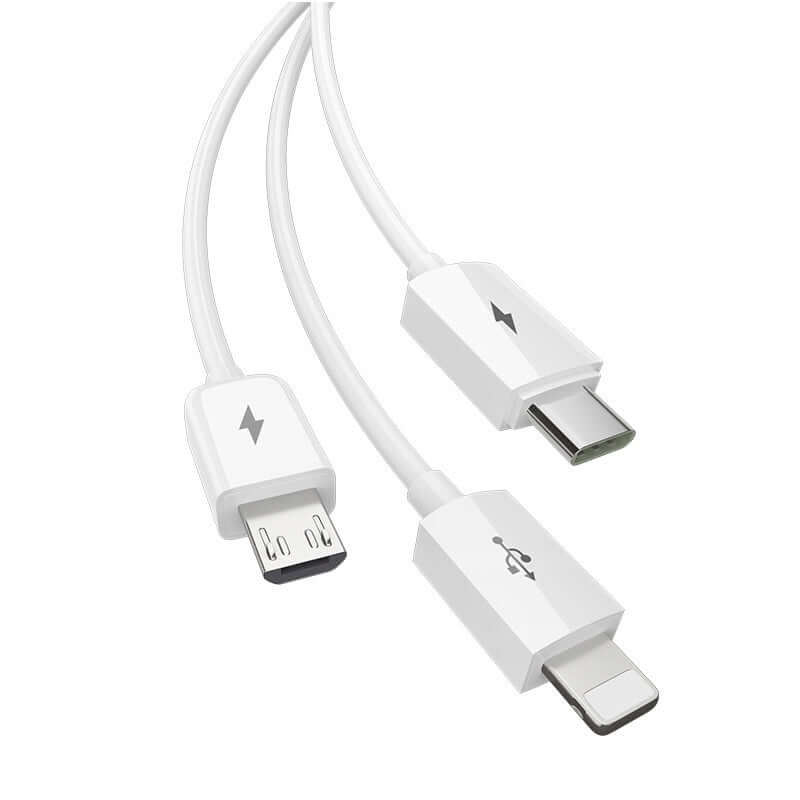
USB-A, USB-B, and USB-C
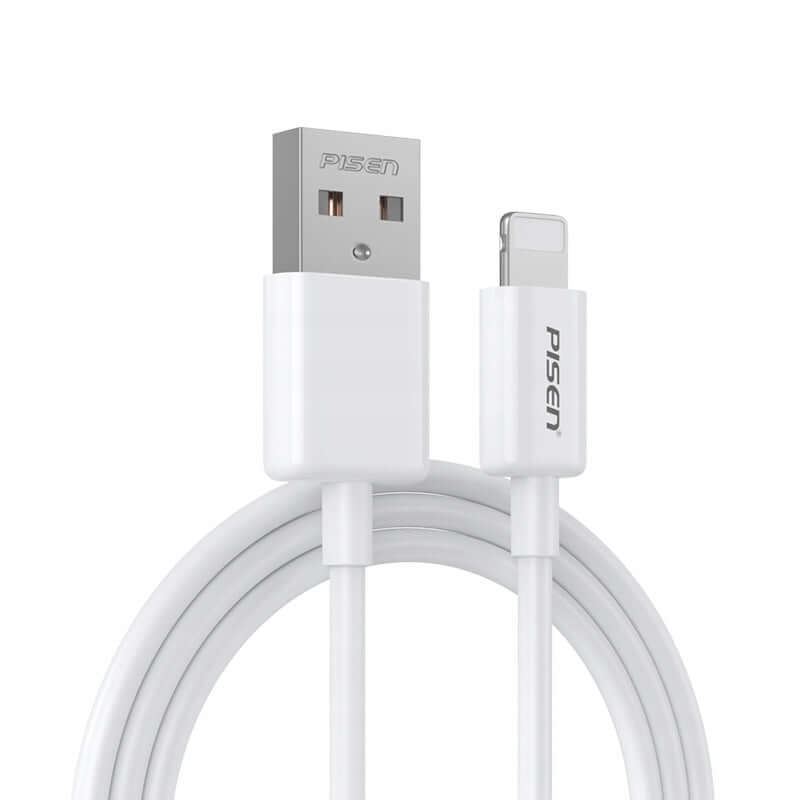
- USB-A - the most popular connector type used in computers and chargers.
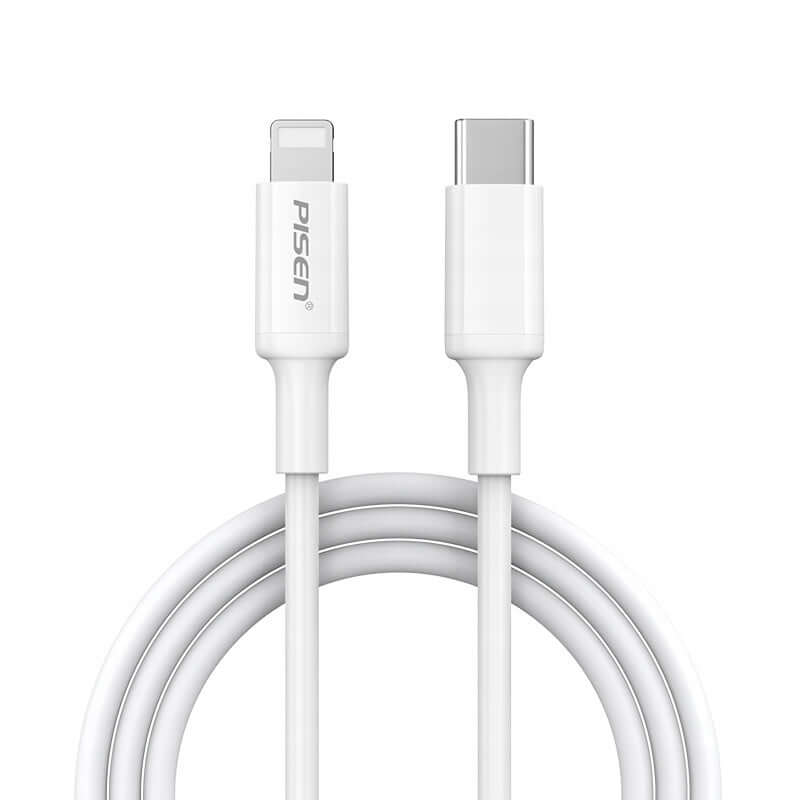
- USB-C - a modern, universal connector supporting fast charging and data transfer, compatible with modern devices.
USB 2.0, USB 3.0, USB 3.1, and USB 4.0
- USB 2.0 - maximum transfer speed up to 480 Mbps.
- USB 3.0 and 3.2 - offer data transfer up to 5 Gbps and 20 Gbps.
- USB 4.0 - the latest standard, providing speeds up to 40 Gbps and support for Thunderbolt 3 technology.
Use of USB Cables in Cars
Android Auto and Apple CarPlay
USB cables are essential for car multimedia systems, such as:
- Android Auto - lets you connect an Android smartphone to the vehicle's multimedia system and use apps on the car screen.
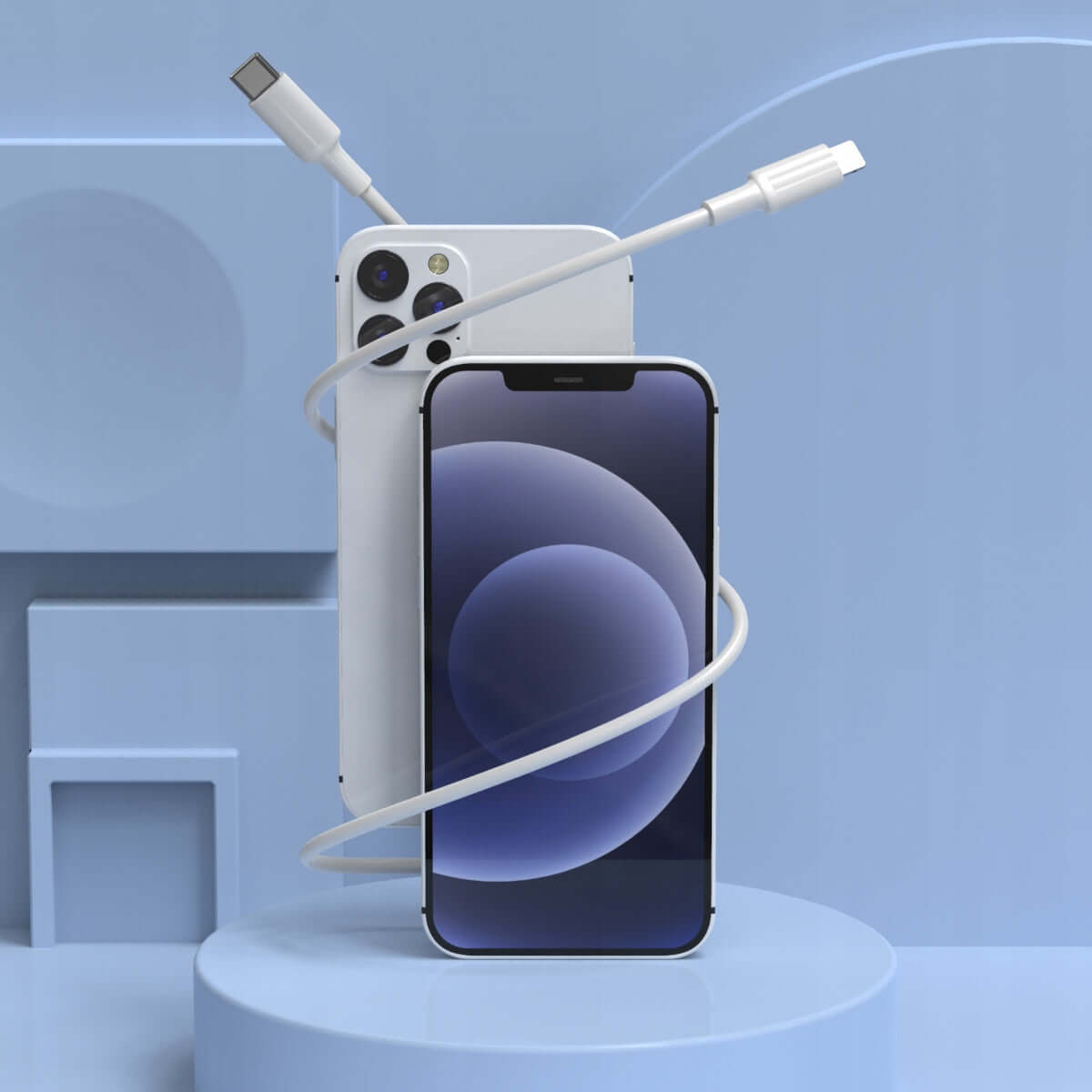
- Apple CarPlay - dedicated to iPhone users, allowing safe use of navigation, music, and voice calls.
Video and Data Transmission via USB
USB-C to HDMI and DisplayPort
Modern USB-C cables enable 4K and 8K video transmission to monitors and TVs.
OTG (On-The-Go)
The OTG feature allows you to connect USB devices such as flash drives, mice, or keyboards directly to smartphones and tablets.
Tips for Choosing a USB Cable
Compatibility
Check if the cable fits your device and supports the required USB standard.
Length and Durability
A well-chosen cable length and reinforced design can improve user comfort and accessory durability.
FAQ - Frequently Asked Questions
How to check if a USB-C cable transmits video?
You need to make sure it supports DisplayPort Alt Mode or USB4 - you will find this in the cable specifications.
Which USB cable for Android Auto and Apple CarPlay?
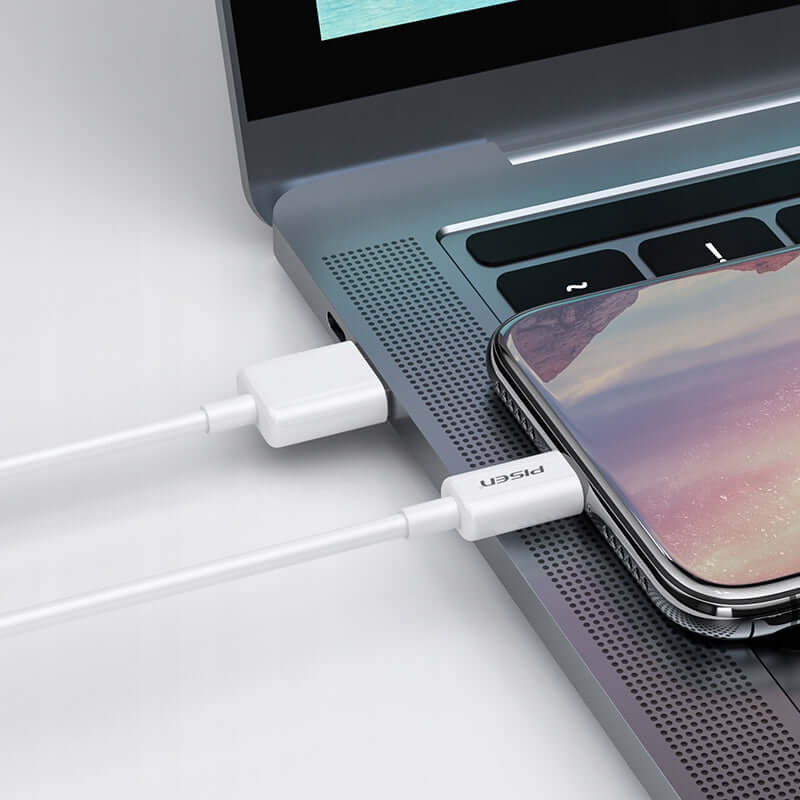
It is best to use high-quality USB-C or Lightning cables with MFI certification for Apple.
What is the difference between USB 3.1 and USB 3.2?
USB 3.2 is an upgraded version of USB 3.1, offering speeds up to 20 Gbps in USB 3.2 Gen 2x2 mode.
Does a USB cable affect phone charging speed?
Yes, cables supporting Power Delivery (PD) and Quick Charge (QC) speed up charging.
Can you connect a laptop to a monitor via USB?
Yes, but only if both the laptop and monitor support USB-C with DisplayPort Alt Mode.
How to recognize a good USB-C cable?
Check the specifications and user reviews - they guarantee quality.
With this information, choosing the right USB cable becomes easier, and using it more convenient and safe.