








As an Amazon Associate I earn from qualifying purchases.
Quick answer: our top pick is Seagate Expansion Portable (2.5-inch hard drive · USB · bus powered).
Best drive for Time Machine on a Mac mini M6? A regular USB drive, twice the size of your Mac's drive
You're setting up a new Mac mini on your desk and macOS asks if you want to turn on Time Machine. You don't have a drive handy, and you don't want to overbuy. A regular external USB drive with at least twice the capacity of the Mac's internal drive is enough. That's the advice users repeat on the Apple Support Community forum, citing Apple's recommendation.
You don't need a drive made "for Mac" or an expensive Thunderbolt model. Capacity is what counts. The rest is convenience: quiet operation, size, desk space.
Which drives Time Machine accepts and how it formats them
Time Machine saves its backup to an external drive connected directly over USB or Thunderbolt. It can also use a NAS drive on your network if it supports Time Machine over SMB. For most people, the easiest option is to buy a drive, plug it in and forget about it.
Apple recommends the APFS or APFS (Encrypted) format. If you want the backup protected with a password, choose the encrypted version.
On first setup, Time Machine erases and formats the drive itself. So don't keep anything on it that you don't have copied elsewhere.
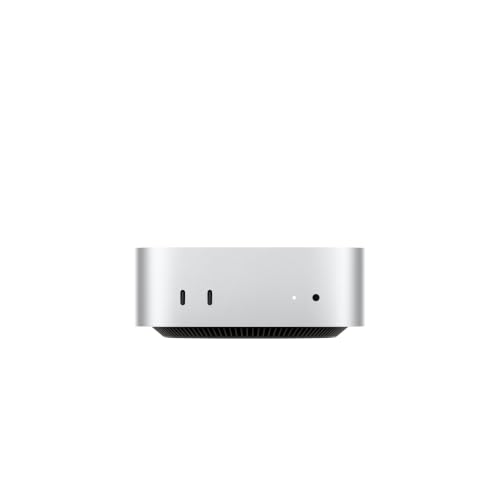
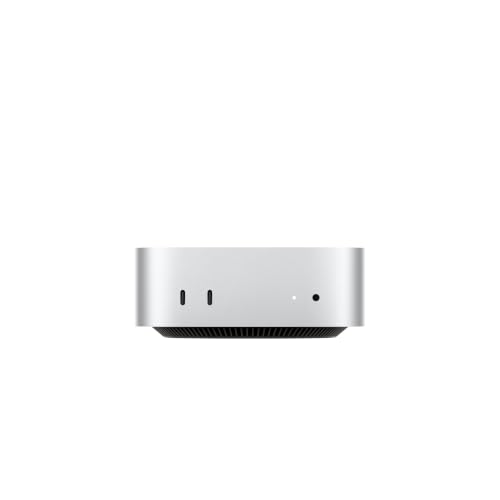
The Mac mini M6 has only USB-C ports. You can connect a drive with a USB-A plug using an adapter or a USB-C cable.
Fun fact: on a Time Machine drive, you can add a second APFS volume for regular files, without splitting the drive into partitions. You do it in Disk Utility.
Below, we've grouped drives by how they usually connect and where they sit: portable hard drives, desktop drives with their own power adapter, and portable SSDs.
Time Machine drives for the Mac mini M6 we recommend

1. Seagate Expansion Portable
2.5-inch hard drive · USB · bus powered
One of the most popular portable hard drives. You plug in a single cable, with no separate power adapter. Lots of storage in a small case.

2. WD Elements Portable
2.5-inch hard drive · USB · 4-5 TB
A high-capacity portable hard drive powered through the USB port. A good choice for storage and backups.

3. WD Elements Desktop 8TB
3.5-inch hard drive · 8 TB · own power adapter
3.5-inch desktop drive with its own power adapter. Lots of space for backups, but it stays in one place and needs an outlet.

4. LaCie Rugged Mini
2.5-inch hard drive · rubber sleeve · drop resistant
Portable hard drive in a rubber sleeve that the manufacturer describes as drop resistant. For people who carry the drive in a bag.
How many TB for each Mac mini M6 version
The Mac mini M6 comes with 256 GB to 2 TB of storage, so the backup drive size depends on which version you bought. The rule of thumb is simple.
- 256 GB or 512 GB in the Mac: get a 1-2 TB drive.
- 1 TB or 2 TB in the Mac: get a 4 TB drive.
The more spare room you have, the further back your backup history goes. That lets you recover a file from several weeks ago, not just from yesterday.
If you keep a lot of photos and videos on your Mac, aim for the upper end of the range in the table. If you mostly work with documents, the lower end is enough.
HDD or SSD, and which port
A hard drive (HDD) gives you the most space for your money. Backups run in the background, so its slower speed won't bother you at all. A portable SSD, on the other hand, is quiet, small, and restores data faster when you need to recover your system.
Compare two situations. At home, when your Mac mini sits on a desk and never moves, a regular hard drive is enough. A portable one works well when you want fewer cables, and a desktop one when you want lots of capacity and have a free outlet.
On the road, for example when you take your Mac mini to work or on a trip, an SSD is the better pick. It fits in a bag pocket, handles bumps better than a spinning drive, and doesn't hum on the table.
As for ports: you can plug the drive in at the front, into one of the two 10 Gb/s USB-C ports, or at the back, into one of the three Thunderbolt 4 ports. A 10 Gb/s drive is enough for Time Machine, so you don't need a fast USB4 drive. If you connect it at the back, the cable doesn't stick out of the front of the case, so your desk looks cleaner.
We cover fast SSDs for the Mac mini M6 in a separate article.
One honest caveat: a Time Machine backup is just one copy. It's a good idea to keep important data in a second place too.
Our advice: if your Mac mini stays in one spot, buy a hard drive with enough capacity. Choose an SSD if you care about silence and faster data recovery.
What happens when the drive fills up
Nothing bad. If the drive is smaller than recommended, backups still run. The result is that your history reaches back a shorter time.
Fun fact: when space runs low, Time Machine deletes the oldest backups on its own, but it never deletes the most recent one.
If you see your history getting too short, you don't need to fix anything. Just buy a bigger drive when it suits you and start fresh on it.
Frequently asked questions about a Time Machine drive
Which drive should I use for Time Machine with the Mac mini M6?
A regular external USB drive, ideally twice the size of the drive in your Mac. You can use a hard drive or an SSD, because Time Machine doesn't require anything special. A drive with a USB-A connector will work through an adapter.
How many TB should a Time Machine drive have?
If your Mac mini has a 256 or 512 GB drive, a 1-2 TB drive is enough. For the 1 or 2 TB versions, get a 4 TB drive. More spare room means a longer backup history.
Is an HDD or an SSD better for Time Machine?
An HDD is enough for background backups and gives you the most space. An SSD is quieter, smaller, and restores data faster. Choose based on whether the drive will stay on your desk or travel with your Mac.
Do I need to format a Time Machine drive?
You don't have to do it by hand. During the first setup, Time Machine erases and formats the drive for you. Apple recommends the APFS or APFS (Encrypted) format.
What happens when my Time Machine drive fills up?
Backups keep running, because Time Machine frees up space on its own. The result is that your history reaches back a shorter time. If you want a longer history, buy a bigger drive.
See also
- Best SSD Enclosure for Mac mini M6 - USB4 40 Gb/s and Which Port to Pick
- Best NAS for Mac mini M6 - Time Machine and 2.5 Gb/s Port
- Best external SSD for Mac mini M6 - which port gives full speed
Sources
- Apple Support: Types of disks you can use with Time Machine on Mac - manufacturer page (support.apple.com)
- Apple Support: If Time Machine recommends a larger backup disk - manufacturer page (support.apple.com)
- Apple: Mac mini (M6, M5 Pro) technical specifications - manufacturer page (apple.com)
- Thewearify: Best external storage for Mac mini - industry article (thewearify.com)
- iMore: Best external hard drives for Mac - industry article (imore.com)
- iThinkDiff: Best external SSDs for M6 Mac mini - industry article (ithinkdiff.com)
- Apple Support Community: What size do you need for a Time Machine external drive? - industry article (discussions.apple.com)

Leave a comment
This site is protected by hCaptcha and the hCaptcha Privacy Policy and Terms of Service apply.