



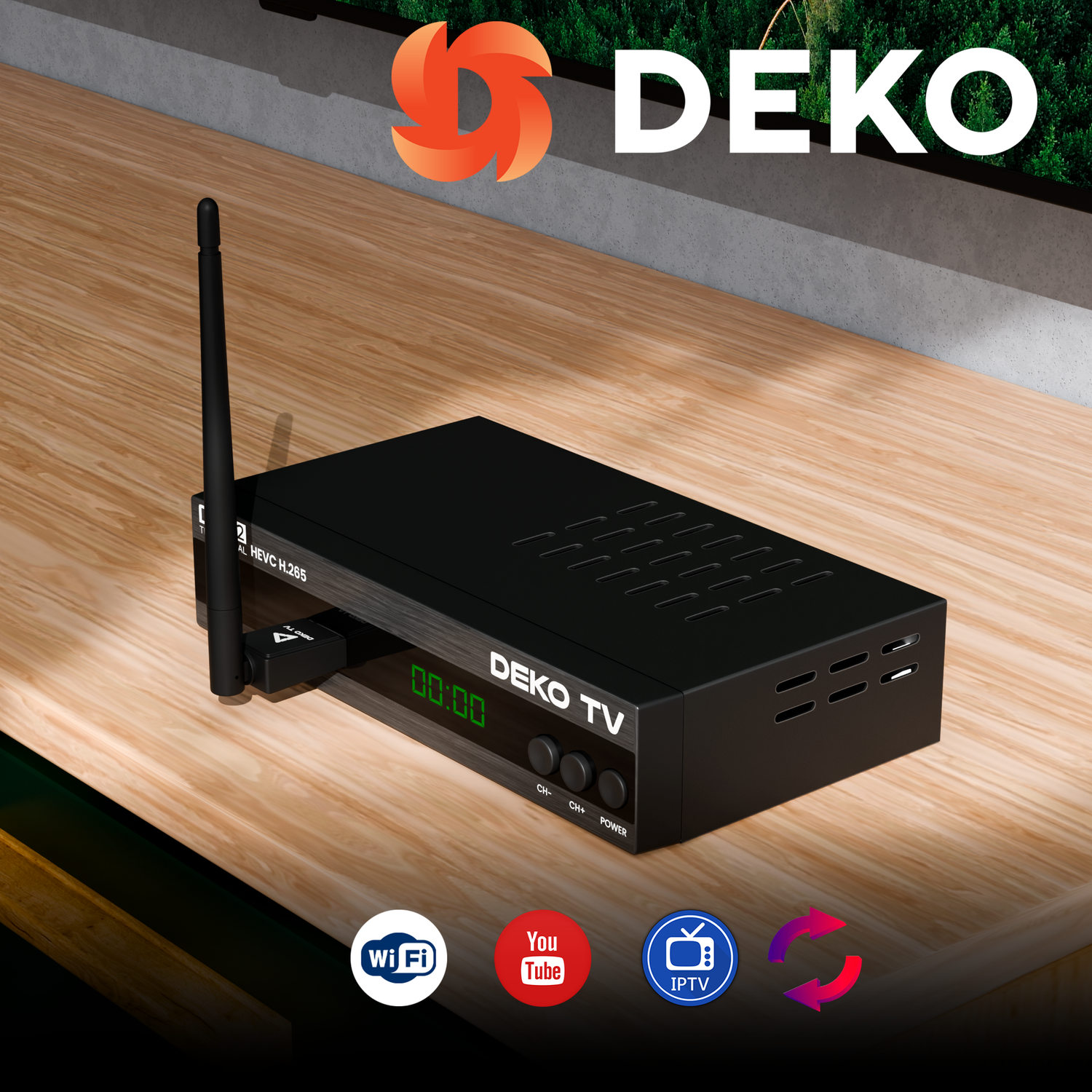
How do you update the software on DekoTV set-top boxes?
DekoTV set-top boxes are functional devices that provide access to a wide range of multimedia content. However, to fully exploit their capabilities, it is essential to update the software regularly. In this article, you’ll find a detailed guide on how to safely and effectively perform a software update on DekoTV set-top boxes. You’ll also learn why regular updates are so important and what benefits they can bring.
Why should you update the software on your DekoTV set‑top box?
Software updates are a key element in keeping your device in full working order. The main advantages of regular updates are:
Performance improvements – New software versions often introduce optimizations that speed up the device’s operation.
New features – Updates can add new capabilities, such as support for additional multimedia formats or integration with new services.
Bug fixes – Regular updates remove known issues and errors, improving the stability of the set-top box.
Security – Updates protect the device against potential threats such as malware or unauthorised access.
How to prepare for a software update?
Before you start the update process, it’s worth taking a few simple preparatory steps:
Download the appropriate update file – Go to the manufacturer’s website DekoTV and download the latest firmware version intended for your set‑top box model.
Check compatibility – Make sure that the downloaded firmware version is compatible with your device. You can find detailed information in the user manual or on the manufacturer’s website.
Save the file to a flash drive – Use a clean USB drive and make sure the file is in the root directory, which will make it easier to locate during the update process.
Ensure stable power – Connect the set-top box to a power source and make sure the device will not be switched off during the update.
How to update the software on the DekoTV set-top box? Step by step
Step 1: Plug the USB flash drive into the set-top box
Insert the USB flash drive with the update file into one of the USB ports on the DekoTV set-top box.
Make sure the device has recognized the drive and its contents.
Step 2: Go to the update menu:
Use the remote to open the main menu of the set-top box. Select the “Update” tab.
Step 3: Choose the update source
Select the Update from USB option.
Select the update file saved on the USB drive using the directional buttons on the remote.
Step 4: Start the update process
After selecting the update file, click Start to begin the update process.
The set‑top box will automatically install the new software version. The entire process may take anywhere from a few to several minutes.
Step 5: Do not disconnect the power!!
Do not disconnect the device from the power supply during the update, as this may damage the software and require service intervention.
Once the process is complete, the set-top box will restart.
What should you do after the update is complete?
After a successful update, it is recommended to:
- Testing the device – Test the basic functions of the set-top box to make sure everything is working correctly.
- Removing the update file – For safety, delete the update file from the flash drive to prevent accidental reinstallation.
Most frequently asked questions about DekoTV set-top box updates
Can I interrupt the update process?
No, interrupting the update may permanently damage the set‑top box software. Make sure the process runs without interruptions.
What should you do if the update fails?
If the update is interrupted or does not complete successfully, try running the process again from the beginning. If the problem persists, contact the manufacturer’s technical support.
Can I use the set-top box during the update?
No, the device is unavailable for use during the update.
How often should you update the software?
The manufacturer recommends regularly checking for new software versions, preferably every few months.
Regular software updates on DekoTV set-top boxes are essential to keep the device running smoothly and to provide access to the latest features. The update process is quick and simple, and following the instructions ensures the safety and stability of the receiver. Always remember to download update files from a trusted source and do not disconnect the power during installation. With regular updates, your DekoTV box will perform at its best, delivering an excellent TV viewing experience.


Leave a comment
This site is protected by hCaptcha and the hCaptcha Privacy Policy and Terms of Service apply.